
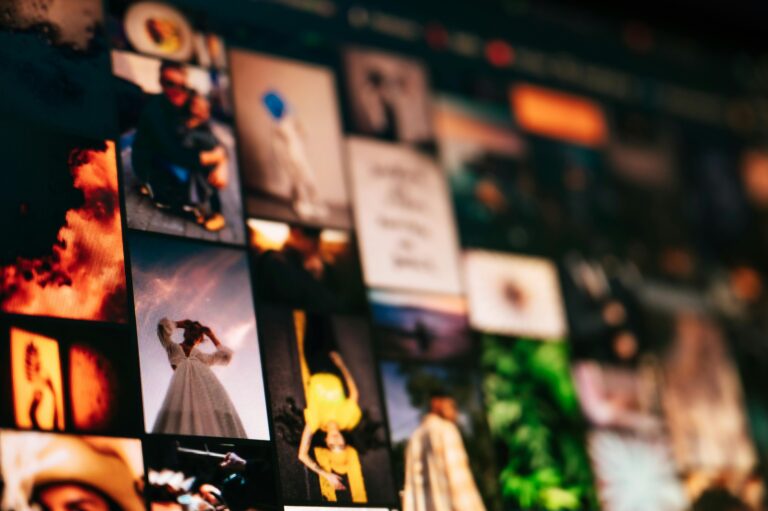
You don’t need a photoshoot to get started
One of the biggest reasons people delay their website is because they don’t have photos.
The good news?
You don’t need a photographer to launch your site.
You just need a few clean, consistent images that reflect your business.
My go-to places for free website images
Start here. These are beginner-friendly and high quality:
- Unsplash – Clean, modern photography. Great for hero images and backgrounds.
- Pexels – Similar to Unsplash, with a mix of business, lifestyle, and video.
- Pixabay – Wide variety, including photos, illustrations, and icons.
- Burst by Shopify – Business-focused images (ecommerce, products, startups).
If you want illustrations or a more playful look:
- Storyset (by Freepik) – Modern, customizable illustrations (great for service-based businesses).
- unDraw – Simple, clean line illustrations you can recolor.
- ManyPixels Gallery – Free illustrations with a modern, tech-friendly feel.
If you want something custom (AI):
- ChatGPT (image generation) – Create custom images by describing what you want.
- Bing Image Creator – Generate custom images from prompts at bing.com/create.
You don’t need to use all of these. Pick one or two sources that match your style and stay consistent.
Choose a style before you choose your images
Instead of searching randomly, start by deciding on a style.
This is what makes your website feel cohesive.
Here are a few common styles to consider:
- Editorial photography (real-life, natural photos of people and environments)
- Lifestyle photography (people working, creating, interacting)
- Minimal product-style (clean, simple objects or workspaces)
- Illustrations (modern/story-style) (flat, friendly visuals like Storyset-style graphics)
- Cartoon or playful illustrations (more personality, less formal)
Each style creates a different feel for your website.
You don’t need to mix them. Pick one main style and use it consistently across your site.
Use AI to help you find the right images
If you’re not sure what to search for, use AI to help you.
You can ask tools like ChatGPT or Canva’s AI tools things like:
- “Give me image ideas for a coaching website”
- “What kind of photos should a small business website include?”
- “Help me describe a clean, modern website style”
You can also use AI image generators if you want something more custom.
The goal isn’t perfection. It’s clarity and consistency.
How to choose images that actually look good together
This is what makes your site feel polished:
- Stick to similar lighting (bright and airy OR dark and moody)
- Choose images with similar colors
- Avoid overly staged or cheesy stock photos
- Pick images that reflect your audience
Simple and consistent will always look better than busy and random.
Where to use images on your website
You don’t need a lot. Start with:
- A strong image at the top of your homepage (hero section)
- 1–2 images in your about section
- Simple background images or section dividers
That’s enough to make your site feel complete.
Keep it simple and get it done
Don’t spend days searching for the “perfect” images.
Pick a few that feel clean and aligned, and keep moving.